


































For a long time, “cinematic” was a word reserved for people with money. It meant a camera package, a lighting kit, a location, a crew, and an editor who knew their way around expensive software. If you were a small business, a solo creator, or a teacher with a good idea, that bar was simply out of reach.
It’s worth remembering how much demand there is for video in the first place. According to Wyzowl’s 2026 report, 91% of businesses now use video as a marketing tool, and 85% of people say they’ve been convinced to buy something after watching a video. Yet the same research found that two of the biggest reasons people still avoid video are that they think it’s too expensive and they don’t know where to start.
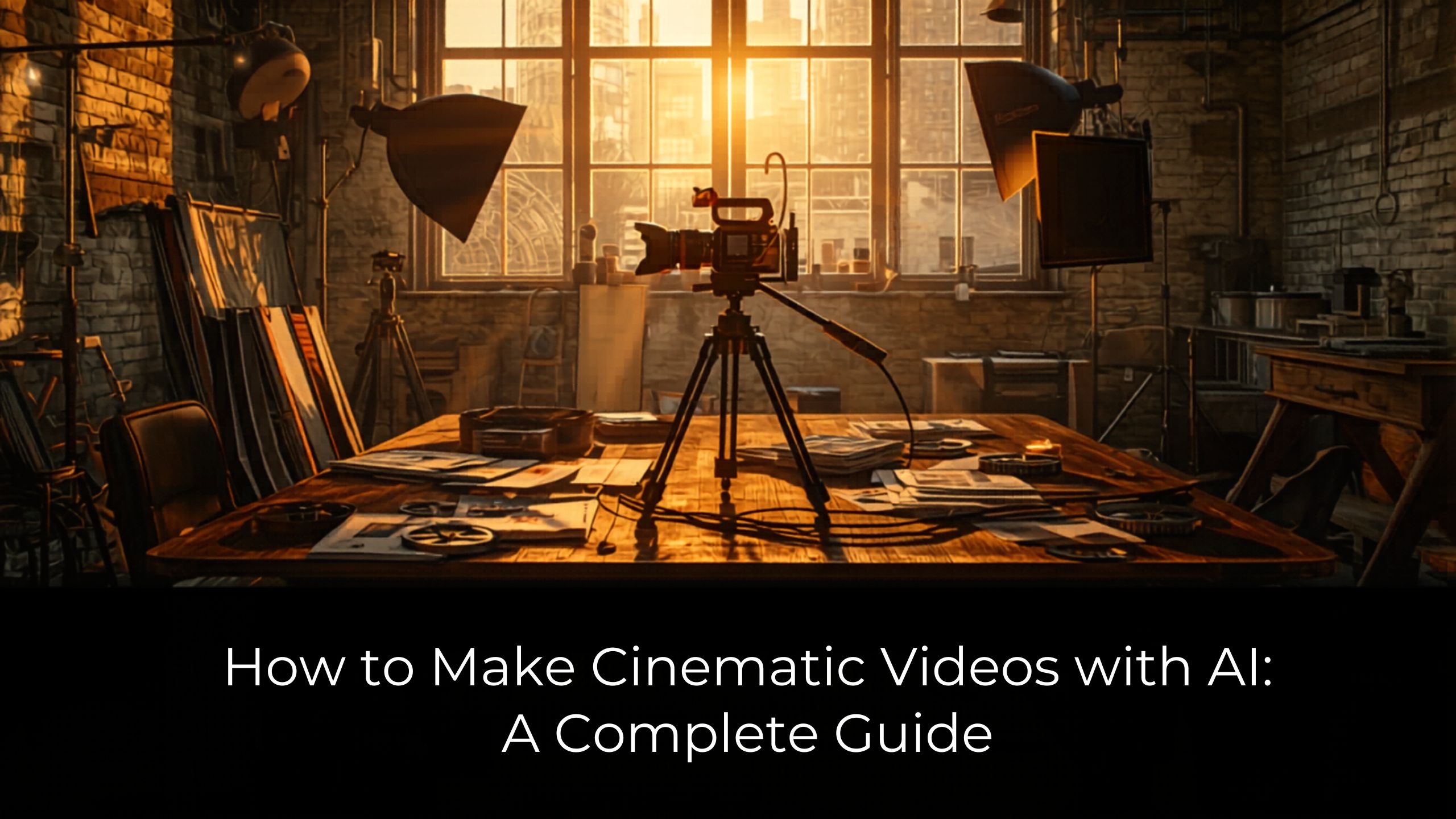
AI video tools take aim at both of those barriers. They can turn a written idea into a polished, multi-scene video that looks like it came off a real set, without the camera, the crew, or the editing timeline. This guide walks through what cinematic actually means, how to make a cinematic AI video step by step, and how the approach compares to traditional production. It also covers where AI genuinely shines and where it doesn’t.
What makes a video “cinematic”
Before you make one, it helps to know what you’re aiming for. A cinematic video is not just a clip with a filter on it. A few things separate it from a basic recording:
- A story with structure. Cinematic videos move through scenes. There’s a beginning that pulls you in, a middle that builds, and an ending that lands.
- Considered pacing. Shots are timed to hold attention. Nothing drags, and the cuts feel intentional.
- Quality visuals. Lighting, framing, and depth give the picture a finished, professional look rather than a flat one.
- Natural audio and lip sync. When someone speaks, their mouth matches the words. Sound and picture feel like they belong together.
Keep these four in mind. They’re the difference between a video people watch and one they scroll past.
How to make a cinematic AI video, step by step
Here’s the workflow from blank page to finished video.
1. Start with an idea or a script
You can begin with a one-line idea or a full script. Either works. If you only have a concept, write a few sentences describing what you want to show and the feeling you’re going for. If you have a script, even better, because it gives the tool more to work with.
A good prompt is specific. “A 30-second video for my coffee brand” is fine. “A warm, 30-second video showing fresh beans being ground at sunrise, ending on a steaming cup and our logo” is much better. Detail guides the output.
2. Let the platform structure your scenes
This is where AI does the heavy lifting. A tool like Intellemo’s cinematic AI video generator reads your idea and breaks it into a sequence of scenes, each one built as part of a story rather than pulled from stock. The result is a narrative, not a slideshow. That structure is the single biggest factor in whether a video reads as cinematic or homemade.
3. Add a presenter or voice if you need one
Not every video needs a face, but many do. Explainers, product walkthroughs, and course content often work better with a presenter, and the appetite for them is real: Wyzowl found that 96% of people have watched an explainer video to learn about a product or service.
If yours calls for a presenter, you can add an AI avatar that speaks your script, often in multiple languages. The detail that sells it is the mouth. Accurate lip sync is what keeps an avatar from feeling fake, so pay attention to whether the tool gets it right.
4. Match the format to the channel
A video for YouTube is shaped differently from a Reel or a TikTok. Before you export, set the aspect ratio to fit where it’s going: wide for YouTube, vertical for social, square if you want flexibility. Good tools let you export the same video in multiple ratios, so one idea can travel across every channel.
5. Review, then regenerate what’s weak
This is the step most people skip, and it’s the most important. Watch your video like a viewer would. Is there a scene that drags? A shot that doesn’t fit? Regenerate just that scene instead of starting over. A few small fixes are usually the gap between “good enough” and genuinely cinematic.
Cinematic AI video vs traditional production
If you’re deciding whether to go the AI route, here’s an honest comparison.
| Factor | Traditional production | Cinematic AI video |
| Cost | Camera, crew, location, editing. Often thousands per video. | A fraction of the cost, with no gear or hiring. |
| Time | Days to weeks from brief to final cut. | Minutes from idea to finished video. |
| Skill needed | Camera operation, lighting, editing software. | Writing a clear prompt. |
| Flexibility | Re-shoots are expensive and slow. | Regenerate a scene in seconds. |
| Best for | Big-budget hero films and real live-action moments. | Volume, speed, testing, and anything you’d otherwise skip for cost. |
The shift is already underway. Wyzowl’s data shows roughly half of marketers now use AI to help create or edit video. But adoption doesn’t mean AI replaces everything. Traditional production still wins for flagship projects and footage that has to be genuinely real. The smart move is to match the method to the job rather than treating either one as the only answer.
Where AI video is strong, and where it isn’t
Being straight about this saves you frustration.
AI is strong when you need volume, speed, and consistency: social content, explainers, product videos, course material, and concept work you want to test before committing a budget.
AI is weaker when authenticity is the whole point. A real customer’s unscripted reaction, a live event, or a founder speaking from the heart still carries something a generated clip can’t fully replace. The best approach for many teams is a blend: use AI to handle the bulk of production and reserve a camera for the moments that truly need one.
Best practices and common mistakes
A few things to keep in mind:
- Write for one idea per video. Trying to say everything dilutes the story.
- Vary your shots. A mix of wide, close, and medium framing feels more cinematic than the same angle on repeat.
- Don’t ignore sound. Music and clean voice work do half the emotional lifting.
- Avoid over-prompting. Be specific about what matters, but let the tool make the smaller choices.
The biggest mistake is treating AI video as a one-click novelty. The people who get cinematic results treat it like directing: they give clear direction, review the output, and refine.
Ready to make one?
You don’t need a budget or a film background to make a video that looks the part. You need an idea and a tool that handles the production for you. When you’re ready, you can start creating with Intellemo AI and turn your next idea into a cinematic video in minutes.